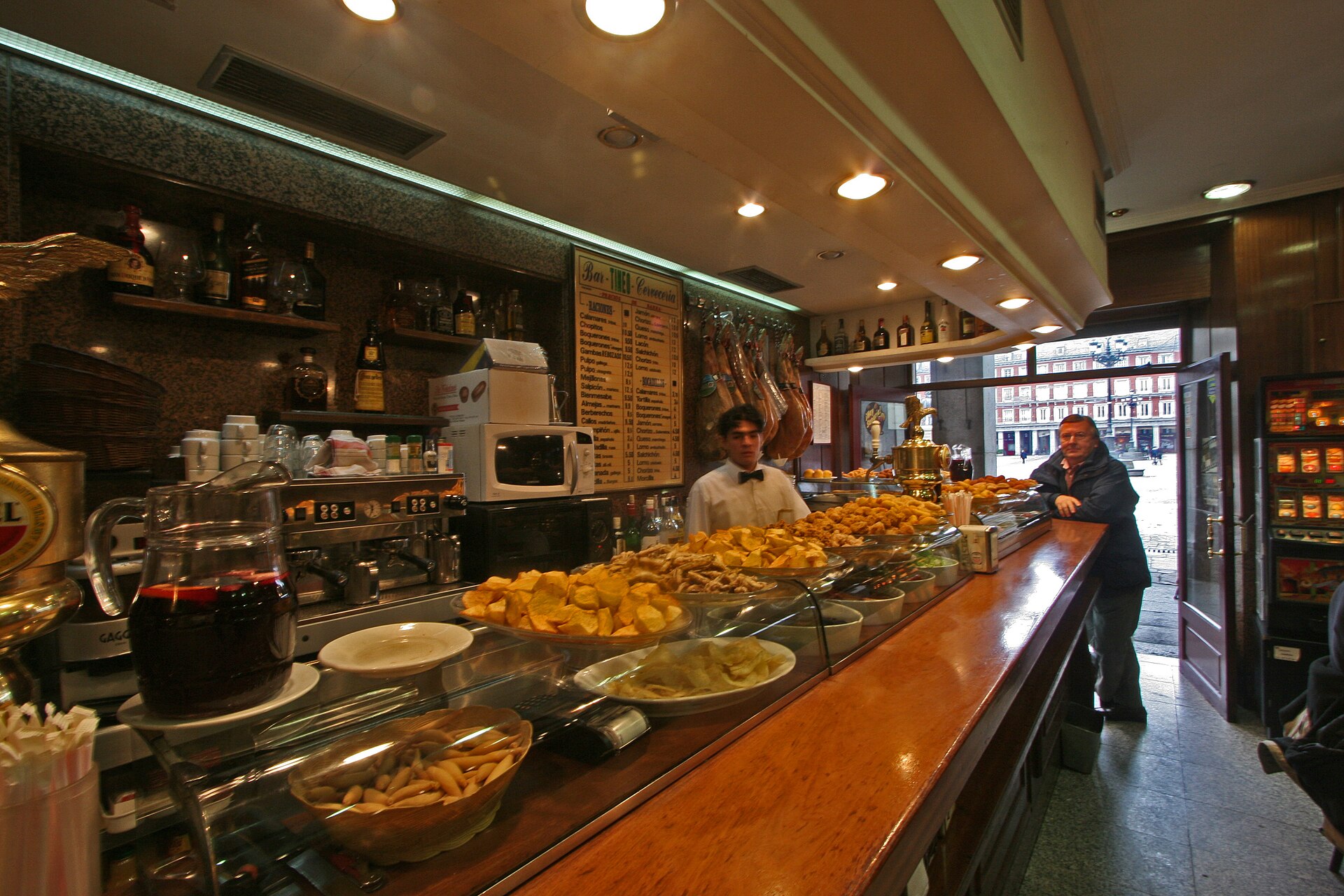
Bars
Quick sales at the counter, bills without a table and payment in seconds.
Floor, order pad, kitchen, payments and till in one system. On the tablet, phone or computer you already have.
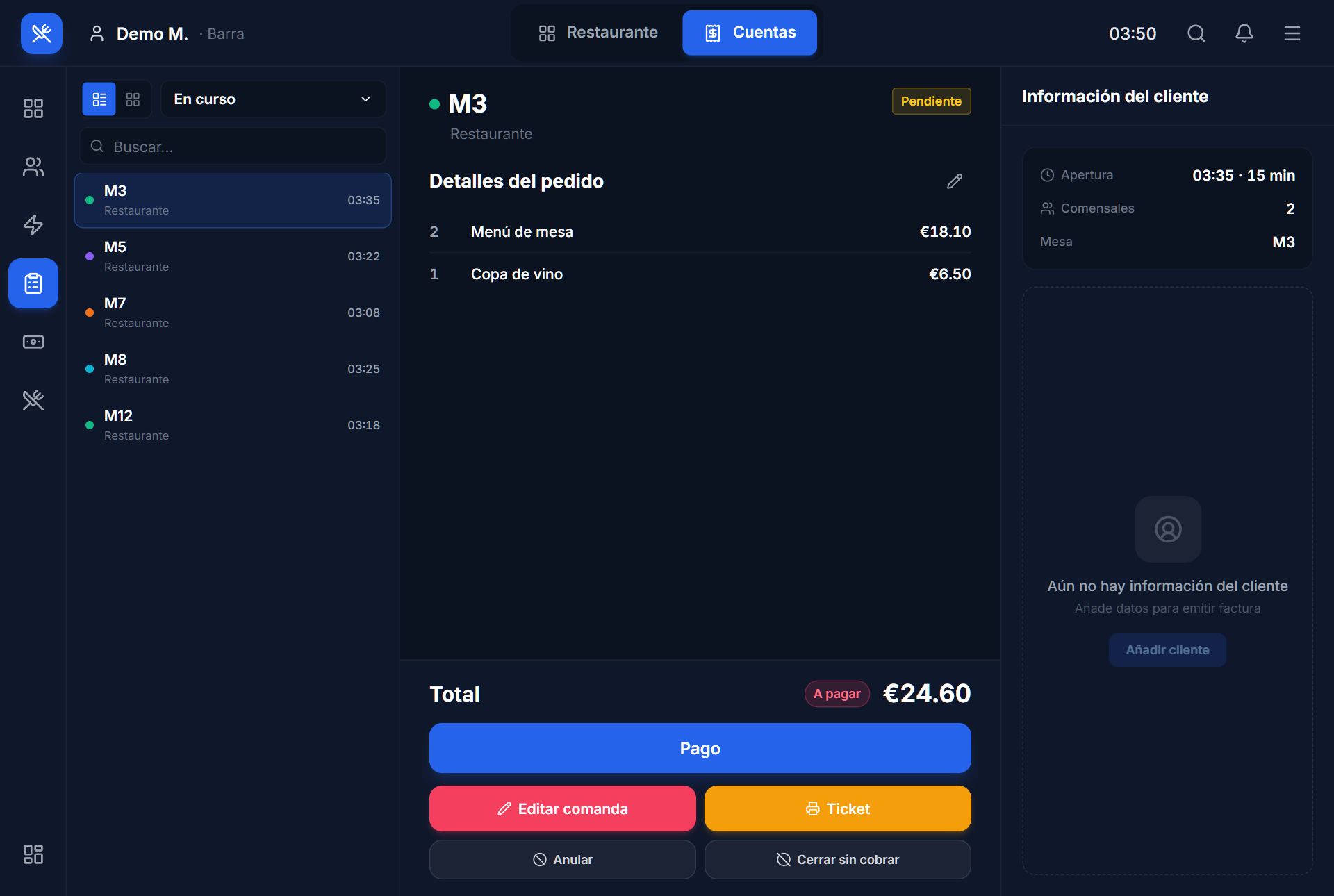
Real screenshots of Mestry in demo mode (Spanish interface).
Your real floor plan, with every table free or occupied at a glance.
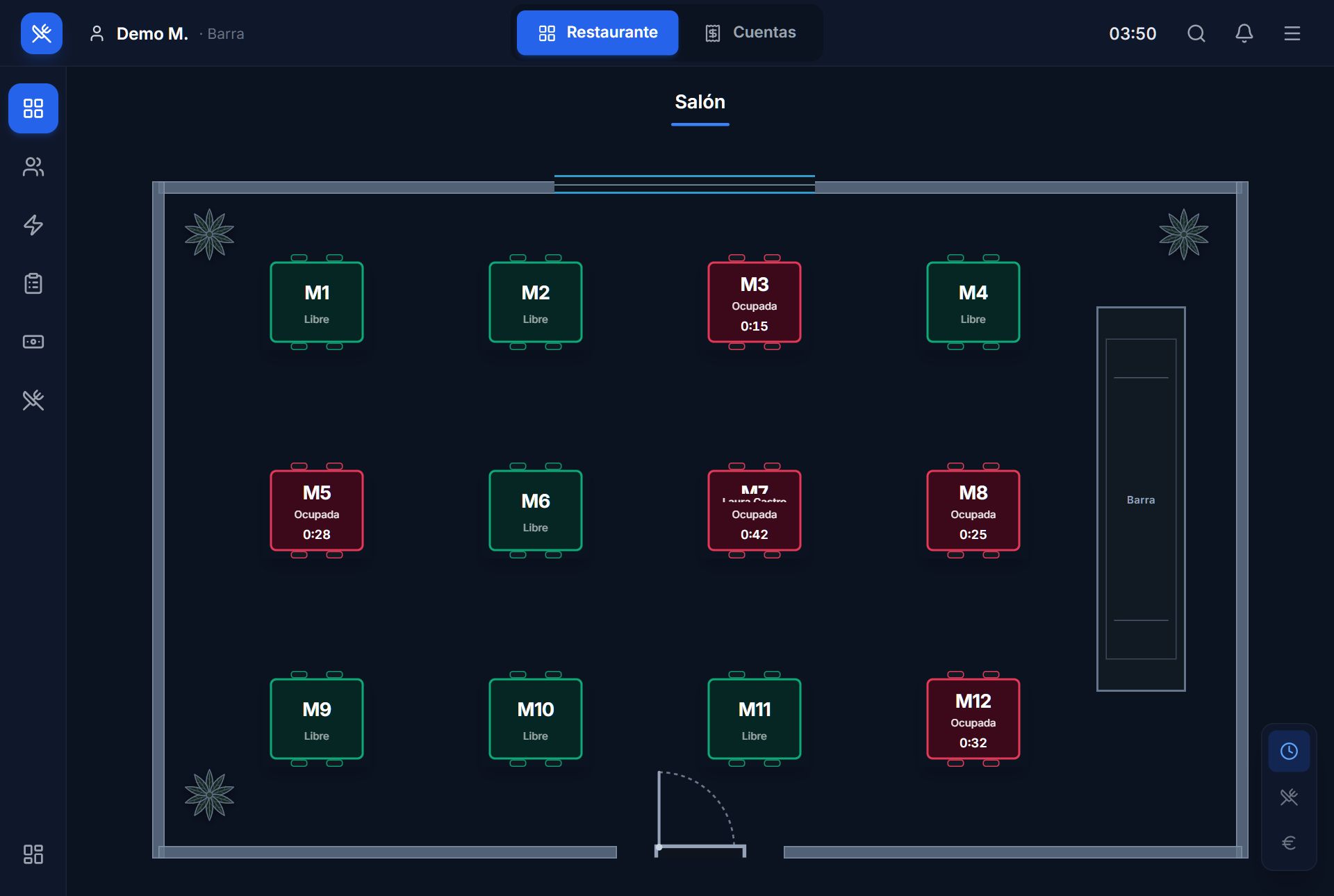
Orders with photos or a compact list, with notes, by seat or by course.
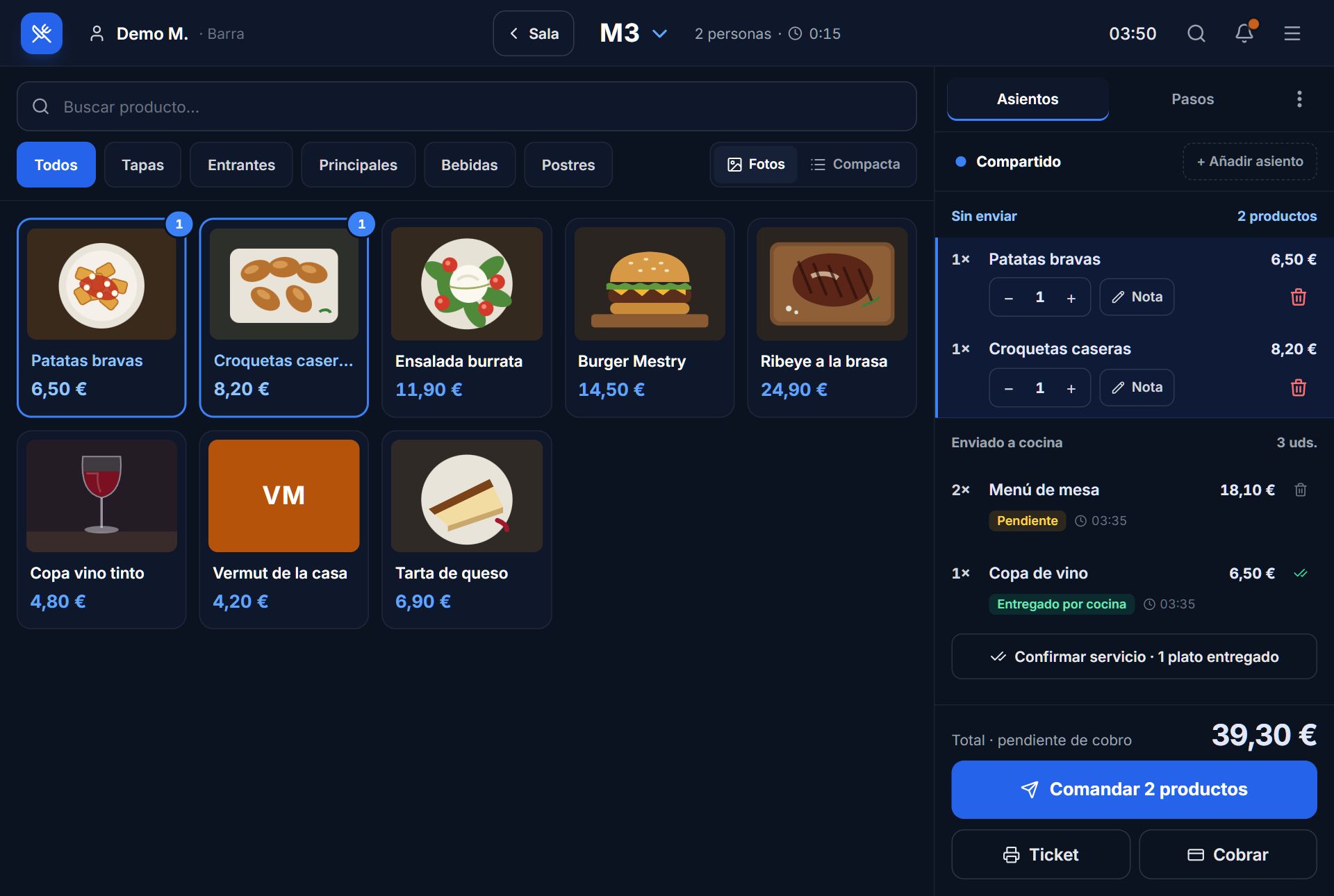
The kitchen sees what comes in and marks what goes out. Waiters know what is ready.
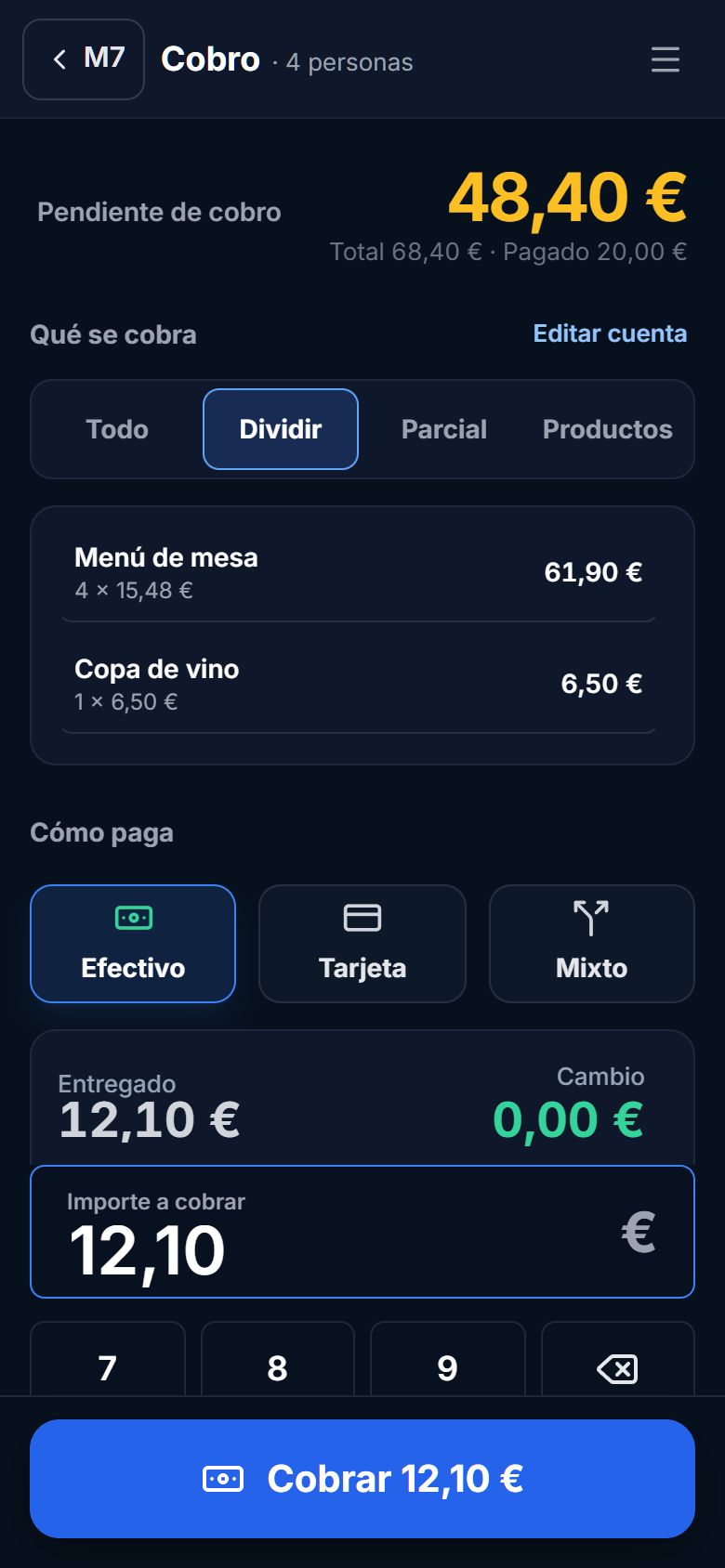
Cash, card or mixed. The whole bill, split equally, by item or a set amount.
Cash shifts with count and an Excel report. Everyone with their own role and permissions.
The same system runs the floor, the kitchen and the till. On the tablet, phone or computer you already have.
No integrations between separate programs: it is one system.
Guests browse the menu and call from the QR.
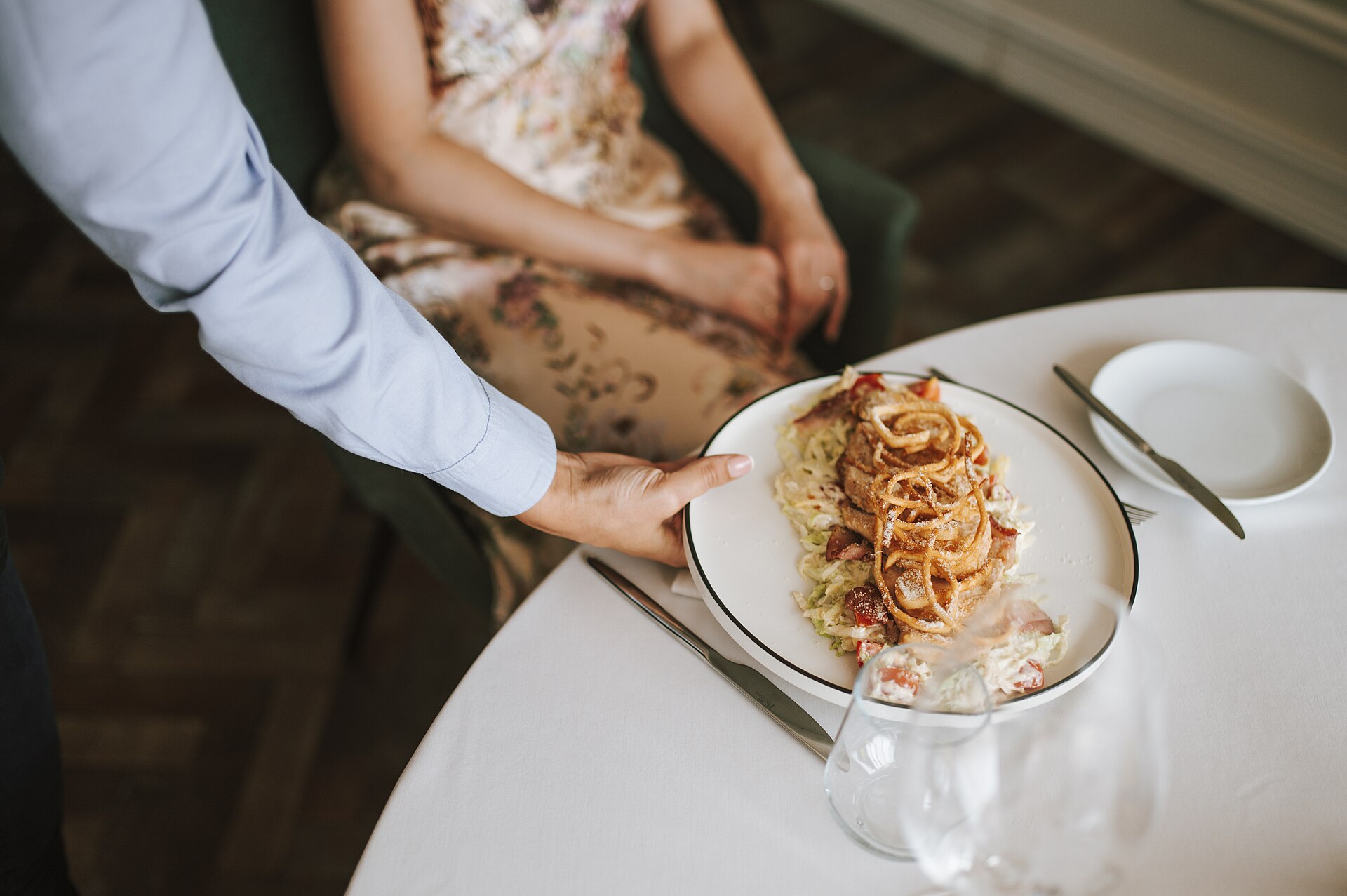
The waiter orders on a tablet or phone.
The order reaches its station.
Charged the way the table wants.
The shift balances at closing.
Bar, floor and kitchen work on the same bill. What table 7 orders, the waiter sees, the kitchen cooks and whoever is on the till charges.
Quick sales at the counter, bills without a table and payment in seconds.
Floor plan, orders by course and split bills without a calculator.
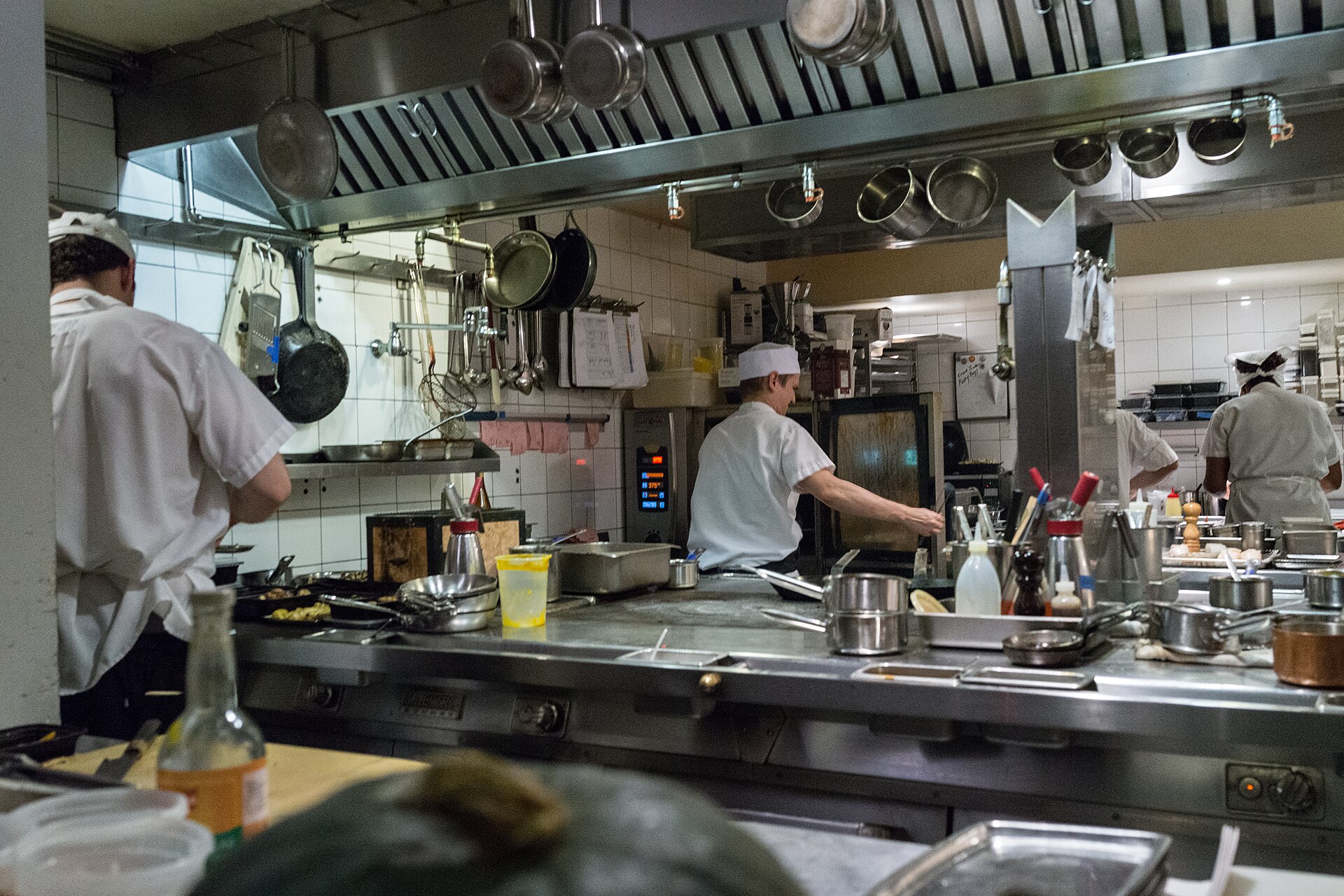
Orders reach the kitchen on their own and waiters know what is ready.
Not available yet. We are preparing it carefully and will tell you before it affects you.
Direct printing on 80 mm receipt printers.
Compliance with the Spanish Tax Agency's verifiable invoicing system, reviewed with tax advisers.
Don't see yours? Write to us.
An internet connection and a browser. It works on a tablet, phone or computer, with nothing to install.
Mestry creates a receipt for every payment. Direct printing on thermal printers is in preparation.
Not yet. You take the payment on your usual terminal and record the card payment in Mestry.
We are preparing compliance and reviewing deadlines and obligations with tax advisers. We will tell you before it affects you.
We will show you Mestry with your own menu and answer your questions.
Your email app will open with the message written and you decide whether to send it. This website does not store what you type.